Editing Source Files using Eclipse and FTP
You can access all your files using FTP. This article will show you how to Edit-In-Place with Eclipse Neon.3 and Remote Systems Extension.
Setting up the connection
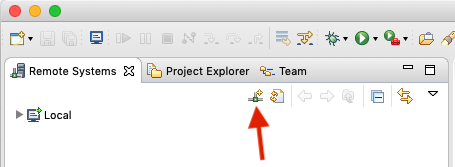
- Add a new connection:
- Choose FTP:
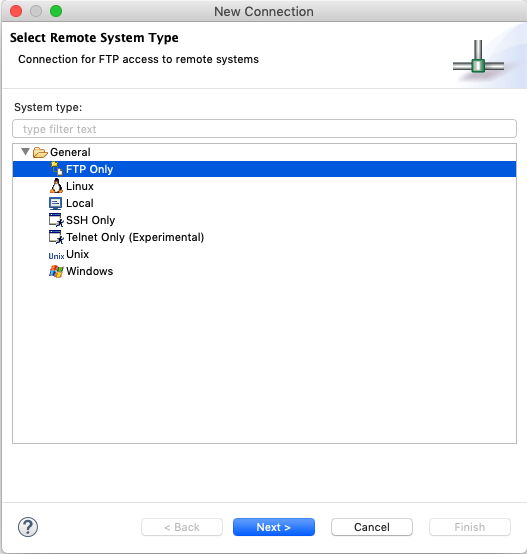
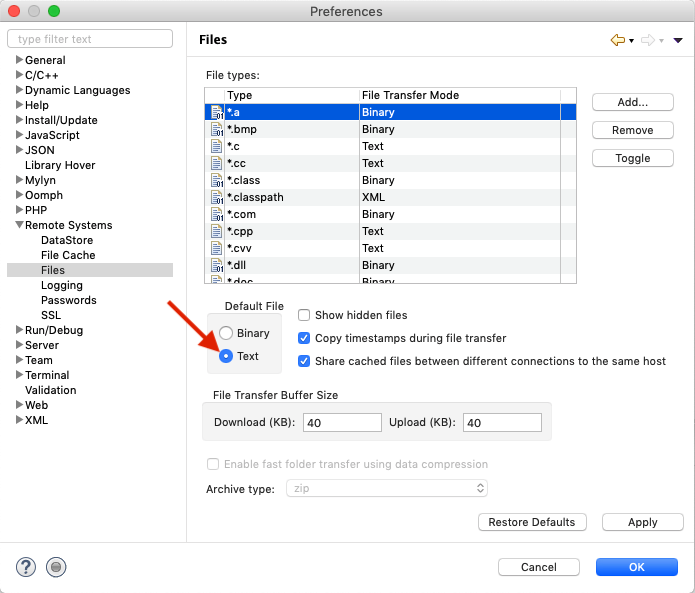
Input your hostname, username and so on. - Open Preferences and set transfer mode for files to ASCII:


Setting up a filter to access files
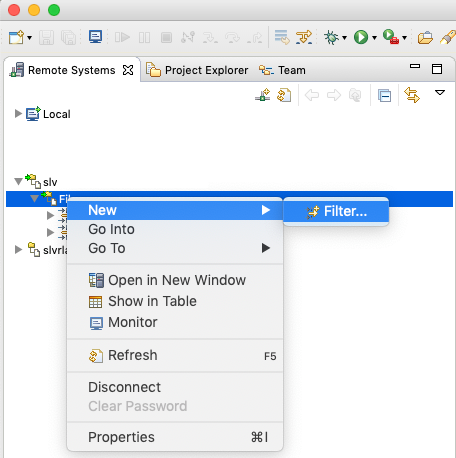
You can access your files by browsing the filesystem's root, but this is much more handy:
- Create a new filter: